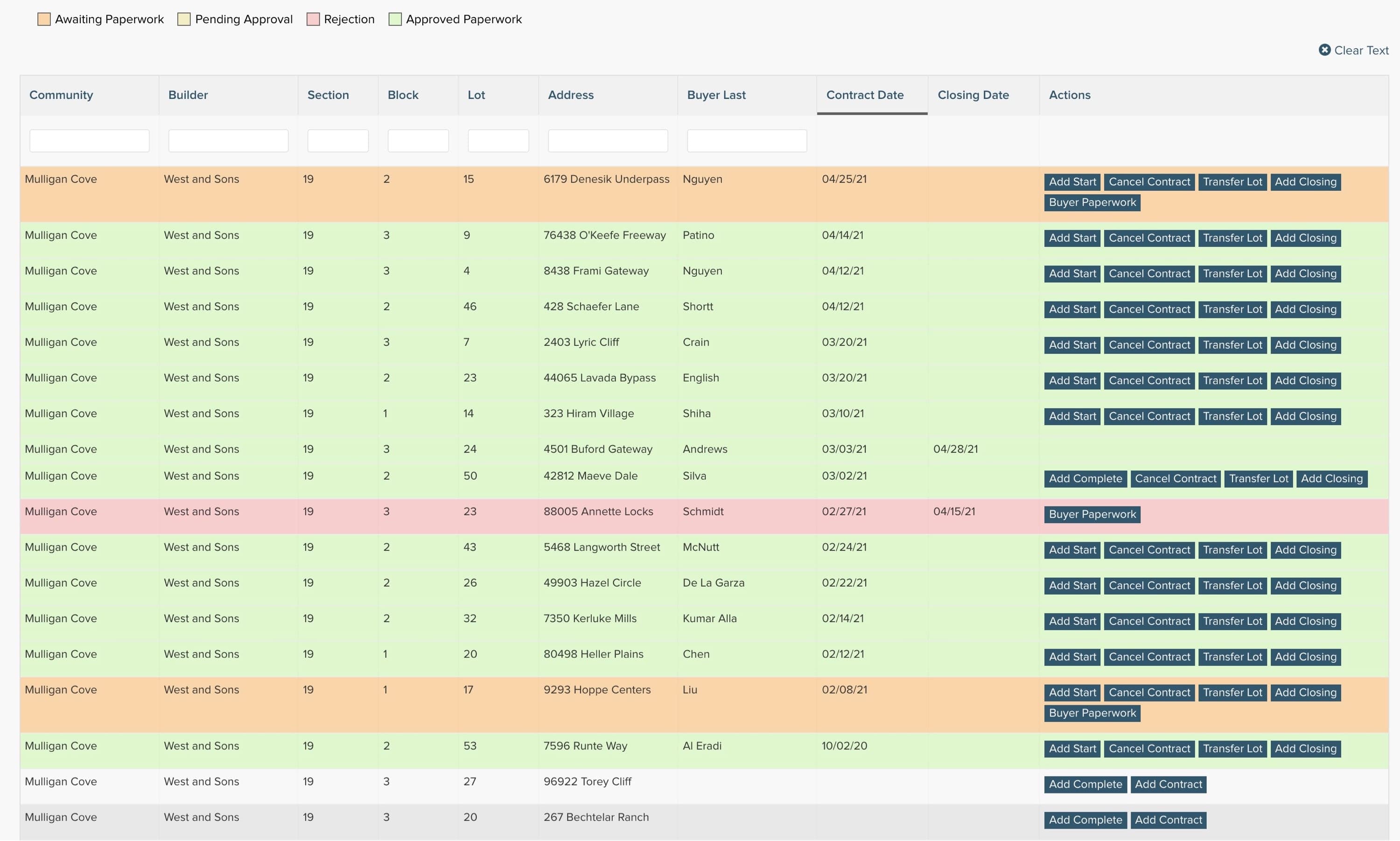
Lot Inventory
Sales representatives are given a real-time snapshot of their current sales opportunities and are given the options to directly input their sales, cancels, closings, transfers, starts and completions. Once the data has been input, Pipsy instantly updates all of your data streams to reflect the changes.
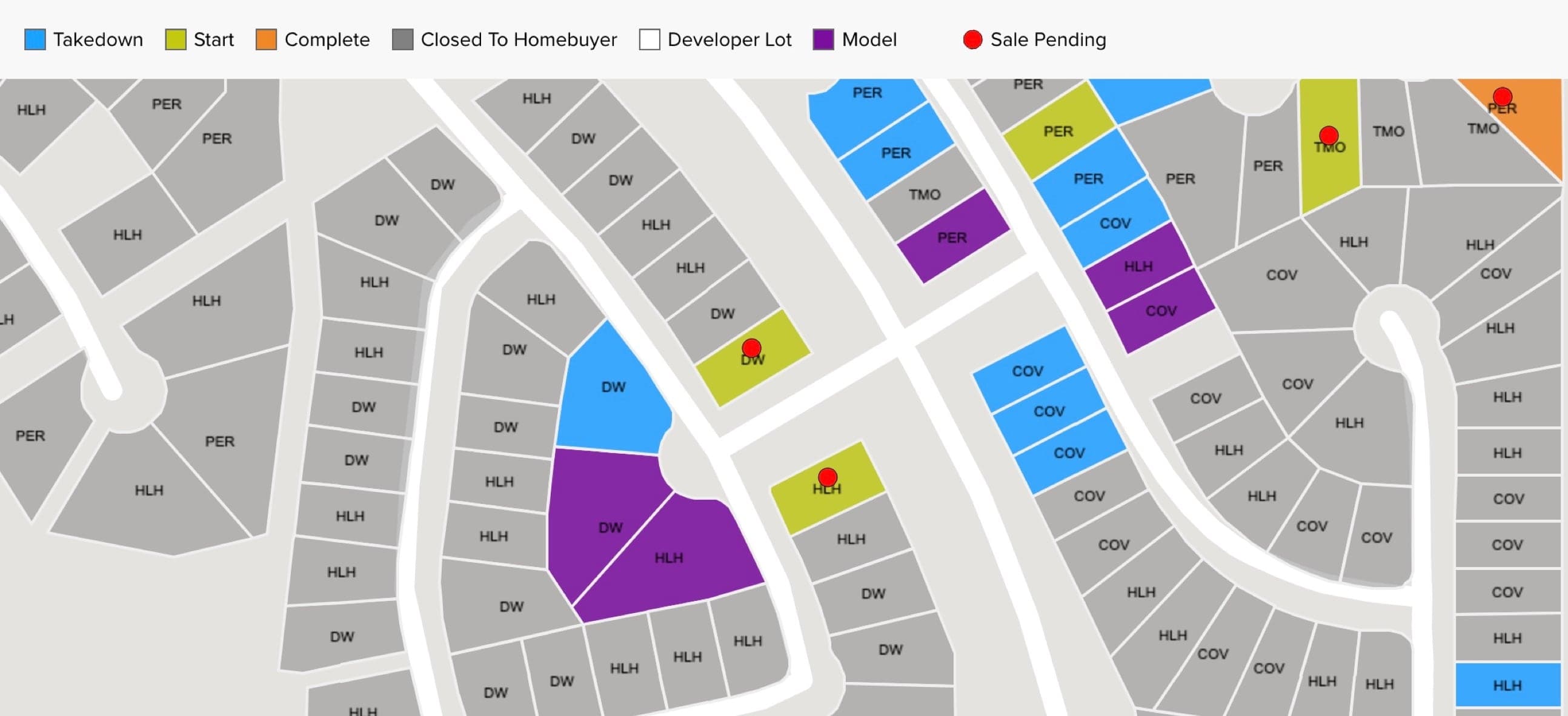
Lot Status Mapping
In addition to the developer and consumer mapping interfaces, a special mapping application is available to all sales representatives in your communities to see a real-time snapshot of the communities they sell in. These tools have proven to benefit both the sales reps as well as potential buyers in their model homes who are trying to find that perfect lot.
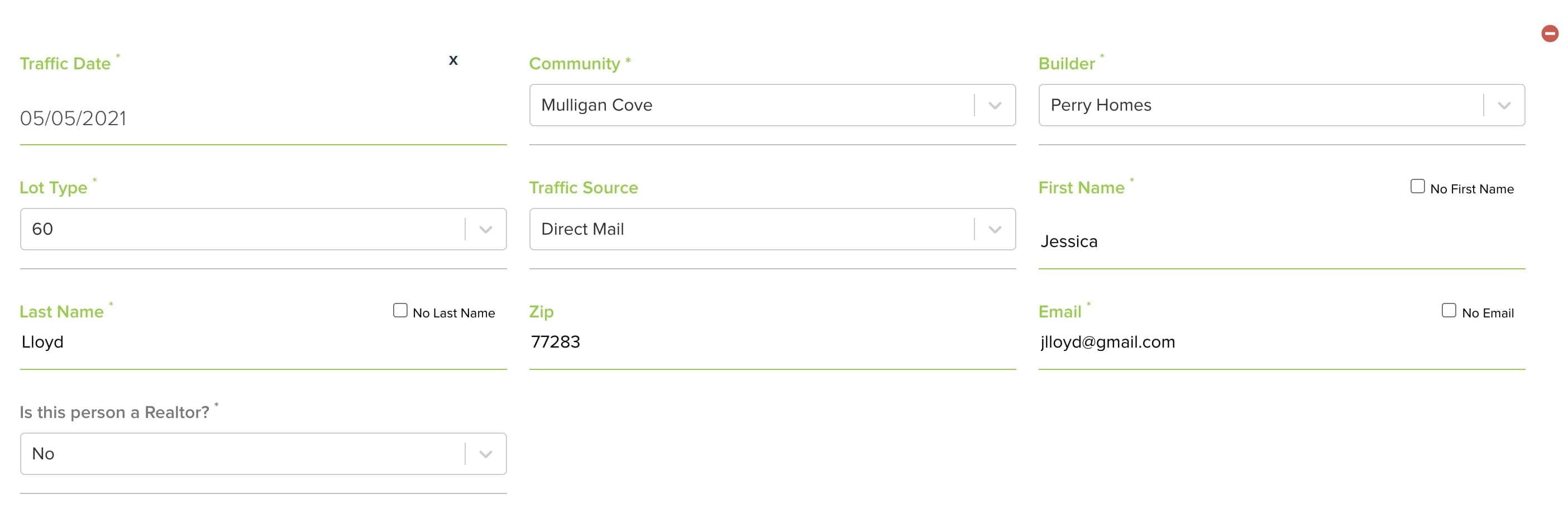
Traffic
A traffic interface gives sales reps the power to directly report their traffic figures to the developer. Utilizing two different systems, Pipsy gives the ability to report high level groupings of traffic, or a more detailed approach to capture potential buyer information for marketing follow-up.

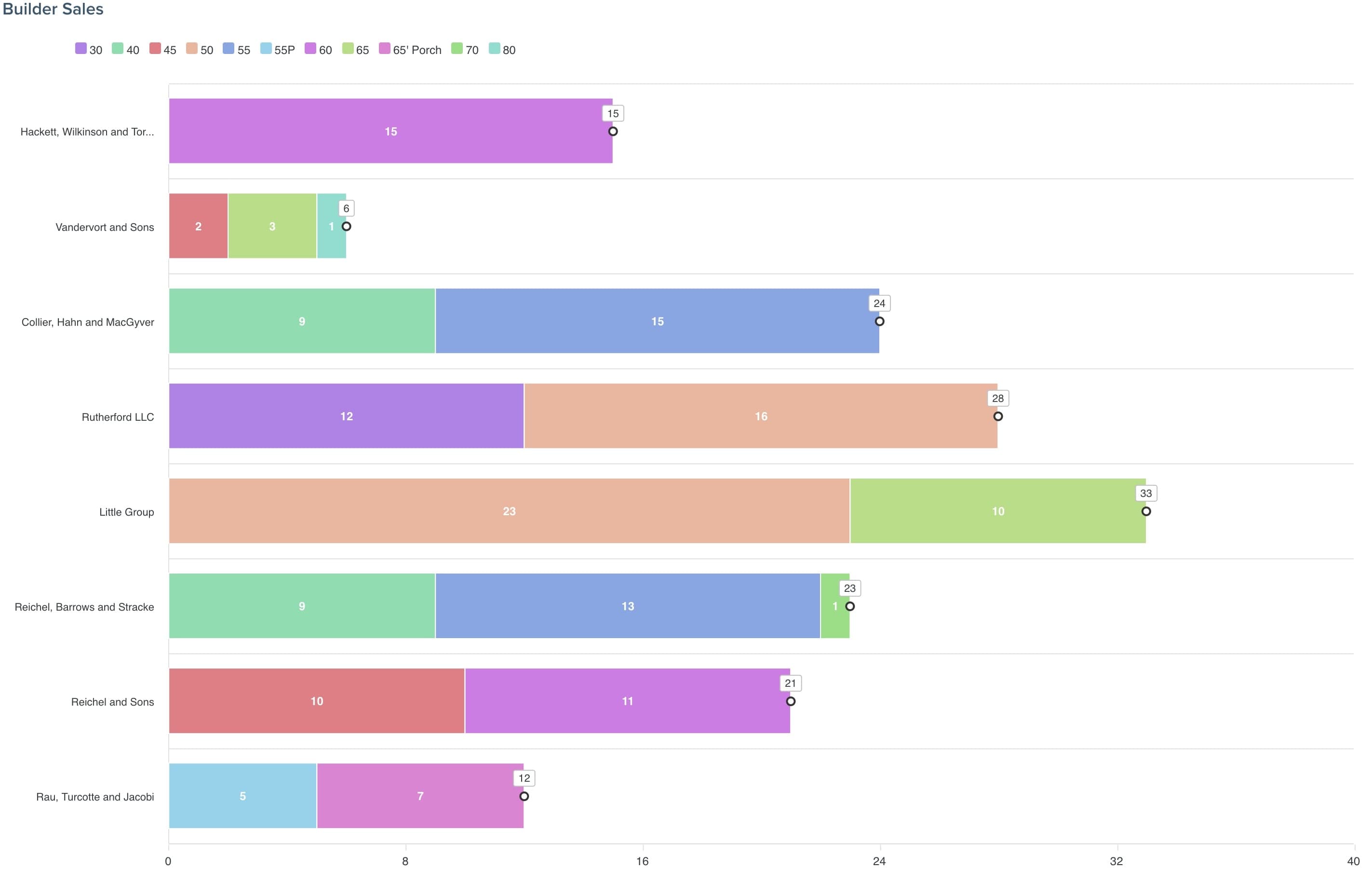
Competition Report
High level competitive numbers are optionally available to all sales reps to gain insights into which builders are outperforming their counterparts.
Builder Communication
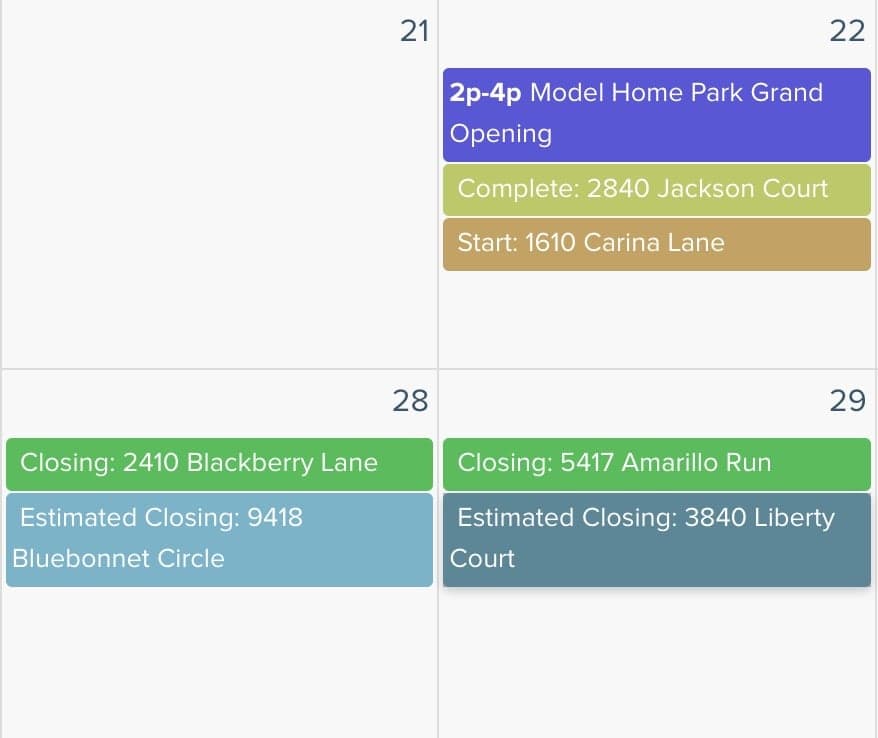
Keep your builder partners up to date with happenings in each community with internal calendars and an internal messaging system.
Sales Manager Takedown Requests
Builder sales managers can drive their own takedowns directly from the Builder Portal. Pipsy reads the active lot contracts in place between developer and builder, surfaces the lots that are eligible for takedown under those contract terms, and lets the sales manager select and submit a takedown request without leaving Pipsy.
The takedown schedule itself becomes a living reminder system. As contracted takedown dates approach, Pipsy automatically nudges the responsible sales managers so the request goes in on time — and the developer is never the one chasing the builder for a takedown that should already be in motion.
Contract-Driven Lot Selection
Sales managers only see lots that are eligible for takedown under their builder's active contract terms — no more guessing what's available or pulling the wrong section.
One-Click Takedown Submission
Select the lots, confirm the schedule, submit. The request lands in front of the developer for review with all contract context already attached.
Schedule-Driven Reminders
As contracted takedown dates approach, Pipsy emails the sales manager with a list of the lots that need to be requested — with a direct link straight into the takedown request flow.
Full Audit Trail
Every request is timestamped against the contract, the schedule line item, and the sales manager who submitted it — so disputes and reconciliation are settled in seconds.
Takedown Reminder
Davidson Homes · Phase 2 Contract
The contracted takedown for May 7, 2026 is approaching. Per the Phase 2 schedule, 14 lots are due for takedown selection. Submit the request before the schedule date to stay ahead of the closing window.
Sent to: smattson@davidsonhomes.com
Open Takedown Request →Architectural Review & Compliance
Integrate your internal ARC processes into Pipsy with complete control over lot and master plans. Anti-monotony enforcement, color and material management, conditional approvals, and a full field compliance & inspection suite — all live on a dedicated page.
Explore Architectural Review →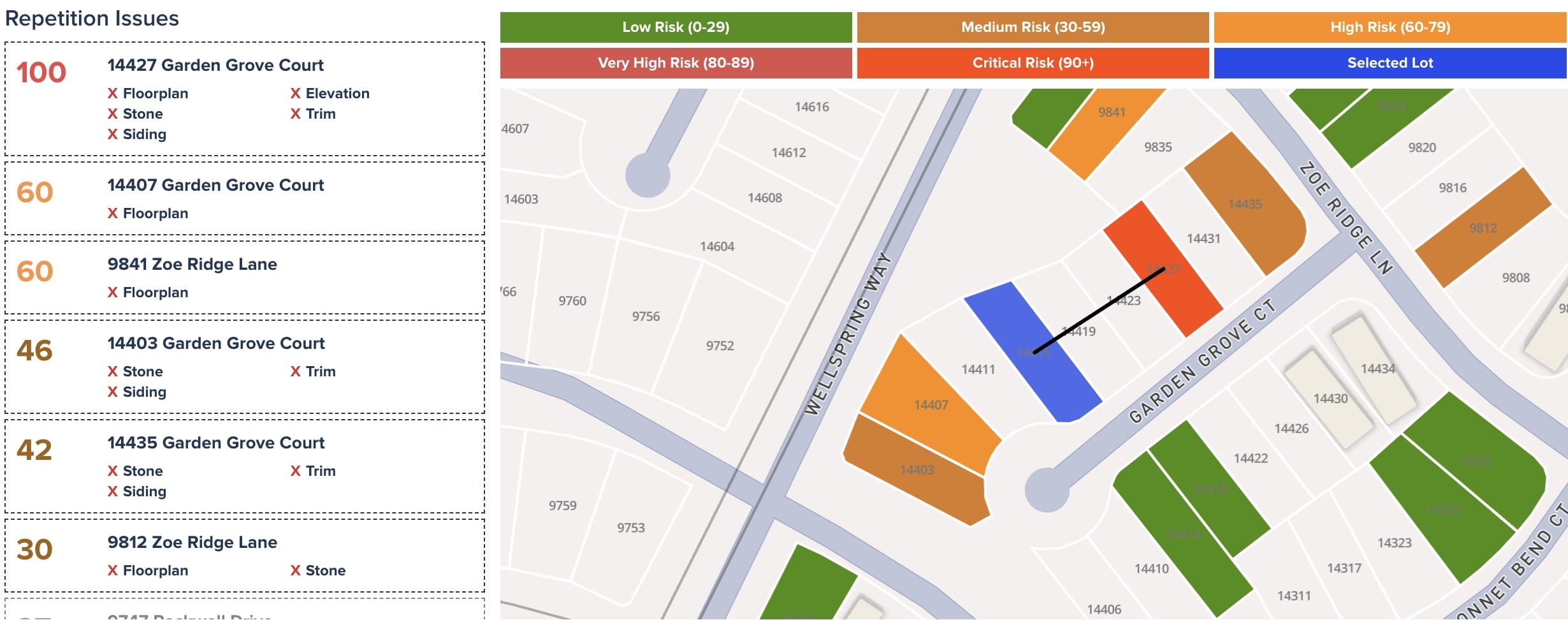
Pressing Data
Bad data costs time, money, and trust. Pipsy proactively scans multiple sources to identify discrepancies and automatically presses builder sales reps and managers to keep information current - solving data quality issues before they impact your operations.
Multi-Source Scanning
Pipsy continuously scans builder feeds, builder websites, public inventory, and TraceAir aerials to detect missing or incorrect data.Automated Pressing Emails
When issues are found, Pipsy automatically emails builder sales reps and sales managers to ensure corrections are made quickly.Weekly Input Reminders
Sales reps who haven't input their information before weekly reports are automatically notified, ensuring complete and timely data.